
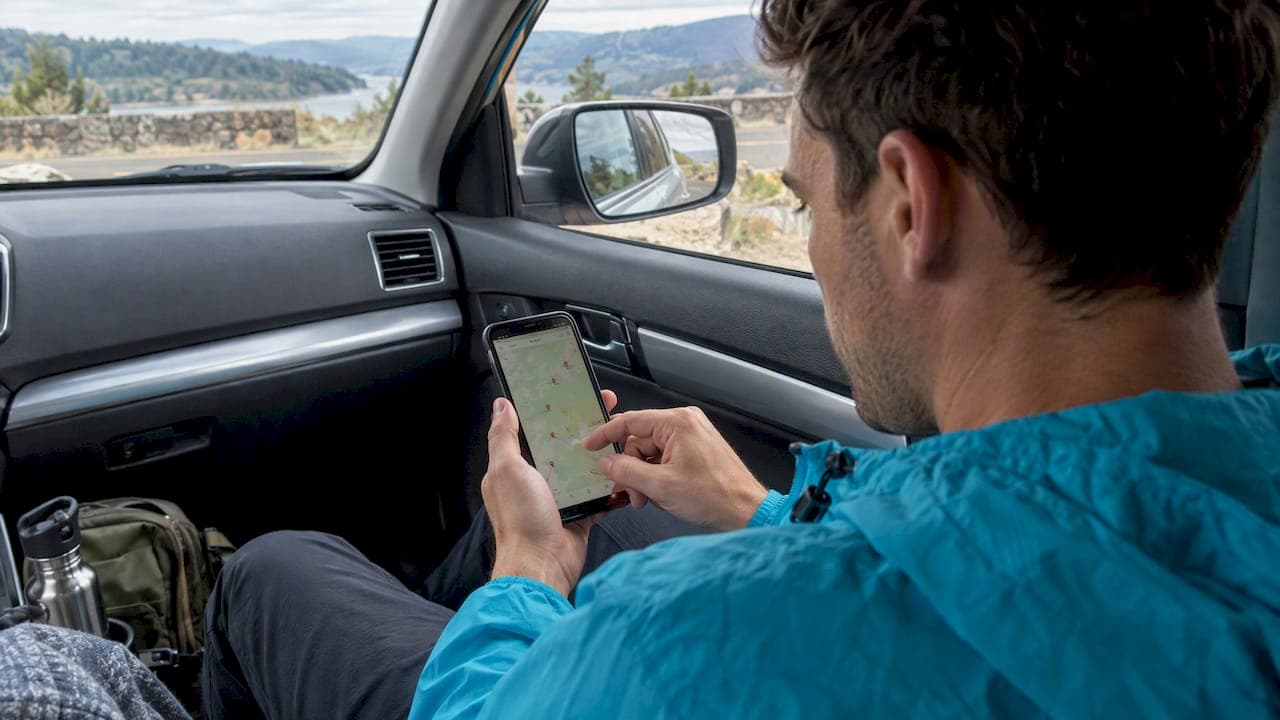
A hotel map search is an interactive map-based shortlist tool: set your dates and filters, pan the map to pick a neighborhood, then verify prices through provider links. The best workflow pairs Google Travel's map interface or a similar tool with a rate-checking step, so you shortlist visually first and confirm the real total with HeyVacay or another booking partner before you pay.
TL;DR:
- Set exact dates and guest count before searching, then zoom through clustered pins; changing either later can reset prices and availability across your shortlist.
- Google Travel ranks by relevance, not price, and map snippets link to booking partners, so compare options instead of assuming the first result is cheapest.
- For road trips, search from a waypoint chosen by drive time, then check each hotel’s routing summary; straight line distance can hide costly detours.
- Before booking, confirm dates, room type, and guest count; verify taxes, fees, cancellation terms, and extras on the provider page, not the pin.
- When a tight business schedule matters more than neighborhood exploration, book an anchor night near the venue first and fill in other stays afterward.
Table of Contents
- How to run an effective hotel map search on desktop and mobile
- Key map-search features and how to use each one
- Finding hotels along a driving route
- Turning your map shortlist into a safe booking
- How our AI-backed search complements your map-first shortlist
- When map search works best, and when to skip it
- Try HeyVacay after your map shortlist
- FAQ
- Sources
How to run an effective hotel map search on desktop and mobile
Start with the place that matters most to your trip rather than a generic city name. Typing in a neighborhood, landmark, or airport code gives the map something specific to center on, which makes the first batch of pins far more useful than a citywide search.
- Enter your destination, then set exact check-in and check-out dates along with guest count before you look at a single price.
- Pan and zoom the map to the area you actually want to stay in, using drawn-area or radius tools where the tool offers them.
- Watch for clustered pins in busy districts: zoom in until clusters break apart into individual hotels so you are not missing nearby options.
- Apply filters for price range, star rating, hotel class, and amenities, then sort the remaining results.
- Open several info cards side by side to compare price snippets, photos, and star ratings before narrowing your list.
- Copy or save the three to five hotels you like best so you can verify them on a booking platform like HeyVacay.
Dates and guest counts change both price and availability shown on the map, so adjusting either one after you've built a shortlist can shift the picture completely, according to Google's travel search guidance. Treat the first pass as a shortlist exercise, not a final price comparison.
Pro Tip: Build your shortlist with dates locked in from the start. Changing dates later forces you to recheck every hotel's price and availability from scratch.
Key map-search features and how to use each one
Every map search tool is built from the same handful of moving parts, and knowing what each one actually tells you keeps you from misreading a snapshot as a final answer.
- Date and guest controls reset the price and availability shown on every pin, so change these first, not last.
- Pins and clustering group nearby hotels until you zoom in, which can hide a cheaper option sitting two blocks from an expensive one.
- Price snippets on info cards pull from hotel owners, online travel agencies, and other partners, and link out to complete the booking rather than confirm it on the spot.
- Amenity filters, like free breakfast, wifi, or free cancellation, narrow your list fast but can also hide a great hotel that simply didn't tag a filter.
- Star rating previews give you a quick signal, while full reviews reveal the details, like noise or staff responsiveness, that a rating alone won't show.
Relevance ranking is not the same as price ranking. Google Travel sorts results by relevance by default, weighing dozens of factors beyond cost, so a map search works best as a shortlist generator that you then sort and verify rather than a finished price comparison.
Finding hotels along a driving route
Searching for hotels on a road trip by straight-line distance from your route often surfaces stops that add real detour time. A route-first approach solves this by treating "near the route" as a travel-time question instead of a distance one.
- Map your full route from origin to destination before searching for any hotels.
- Pick a point along that route based on drive time, commonly a suitable mid-trip interval, rather than a fixed mileage marker.
- Center a hotel search on that waypoint instead of your final destination.
- Check the routing summary for distance and travel time to each candidate before picking a stop.
This mirrors how developers build the feature. The Google Maps Platform's Search Along Route guide describes pulling an encoded route polyline from the Routes API and submitting it to Places Search Along Route, then using the returned routing summaries to judge each candidate by actual drive time. You can approximate the same result manually in Google Maps by dropping a waypoint partway through your route and searching nearby from there.
Turning your map shortlist into a safe booking
A map search narrows your options, but the booking page is where the real numbers show up. Run through a short checklist before you commit.
- Confirm your exact check-in and check-out dates, room type, and guest count match what you searched.
- Add up the total price including taxes and resort or service fees, not just the nightly rate shown on the pin.
- Read the cancellation policy and note any extras, like parking or breakfast, that aren't included in the base rate.
- Prefer a provider with transparent, itemized pricing; if you're booking through a partner site, confirm their terms match what the map snippet promised.
- Check recent reviews, transit links, and neighborhood photos to make sure the location fits what you expected from the map view.
Our checklist for checking room types before booking covers the four axes worth confirming, from bed configuration to view and floor placement.
Pro Tip: A pin on a map confirms a hotel exists in that spot, not that the listed price is still available. Always verify on the booking page before you call a stay confirmed.

How our AI-backed search complements your map-first shortlist
Once you've built a shortlist from the map, you can use an AI rate search tool to pull transparent, upfront pricing on luxury and budget hotels, without hidden fees tacked on later.
- The service shows clear, itemized pricing so the total you see upfront matches what you pay.
- The service allows checking multiple shortlisted hotels for the same dates in one pass instead of opening multiple separate booking tabs.
- Bookings often include flexible cancellation policies and customer support options if your plans change.
For more on how AI-assisted tools fit into hotel search generally, our roundup of AI travel apps walks through what each one does well.
When map search works best, and when to skip it
Map search earns its place for neighborhood-aware trips: travelers who care which side of a river or which metro line they land near get more value from panning a map than scrolling a list. Road trippers benefit the same way once they switch to a route-first search.
Business travelers on tight schedules often do better booking an anchor night near a known venue first, then filling in the rest, as our guide to anchor-night planning lays out. When time is short, saved filters or HeyVacay's rate presets get you to a decision faster than another lap around the map.
— HeyVacay
Try HeyVacay after your map shortlist
Once your map search has done its job narrowing down neighborhoods and hotel names, we make the next step easy: paste in your shortlist or your travel dates and we'll surface transparent, upfront totals on the same properties, often at lower rates than the number you first saw on the map pin.
We check pricing against wholesale inventory and skip the hidden fees that turn an attractive nightly rate into a surprise total at checkout. If you're ready to turn your shortlist into a booked stay, compare hotel rates on HeyVacay and see the full price before you commit.
FAQ
What is the best site for searching for hotels?
The best choice depends on whether you want broad map-based discovery or verified, transparent pricing. Our comparison of hotel booking sites breaks down when a map search tool fits best and when a rate-checker like HeyVacay is the better next step to confirm your total.
How do I search for hotels in Google Maps?
Type your destination, landmark, or neighborhood into Google Maps, then switch to the hotel search view and set your dates and guest count. From there you can pan the map, zoom into clustered pins, and apply filters for price, rating, and amenities, as described in Google's travel search help.
Does Google have a hotel search engine?
Yes, Google offers a hotel search interface within Google Travel and Google Maps that shows hotel snapshots with photos, ratings, amenities, and links to complete a booking through partner sites. Recent reporting also notes Google is testing conversational and agentic hotel features, though for most users it remains a discovery and comparison tool rather than a full booking engine.
How can I find hotels along a route using Google Maps?
Map your full route first, then drop a waypoint at a point along it based on drive time, often around two hours in. Search for hotels centered on that waypoint rather than your final destination, and check the routing summary for distance and travel time before picking a stop, following the approach in the Search Along Route guide.
Do I need mobile data to use hotel map search while traveling abroad?
Most map search tools require an active data connection to load pins, filters, and price snippets in real time. Travelers heading overseas often set up a prepaid data plan, such as a global eSIM with broad international coverage, before they land so map search works without relying on hotel wifi.
Sources
- Search for hotels on Google - Travel Help
- Search along route guide | Google Maps Platform
- Google Tests Agentic Hotel Booking and Expands Maps AI