

Clearing your cookies will not reliably make a hotel cheaper. The best evidence shows that most rate changes come from supply, demand and which hotels a site chooses to show you, not from a file in your browser. Clearing cookies is harmless and takes under a minute, so if it gives you peace of mind, go ahead. The steps are below, along with the moves that move the price far more.
TL;DR
- Clearing cookies is safe, but studies and tests show no consistent drop in hotel prices. Differences appear in both directions.
- What cookies can change is which hotels are listed and in what order, and sometimes the member or app rate you see.
- To clear cookies, press Ctrl+Shift+Delete in Chrome, Edge or Firefox, pick "All time" and delete cookies and cached files. Safari has its own menu.
- Bigger savings come from flexible dates, comparing several sources, checking member rates and booking at the right moment.
- Always compare the final total, with taxes and fees, before you pay.
Table of Contents
- The short answer: cookies are not the main lever
- What the real-world tests show
- Why a clean browser can still change what you see
- How to clear cookies in every major browser
- Limiting tracking while you compare
- What actually lowers your hotel bill
- A quick checklist before you book
- Perspective
- Compare hotel prices with HeyVacay
- FAQ
- Sources
The short answer: cookies are not the main lever
The idea is easy to believe. You search for a hotel in Chicago three times, you come back on Friday, and the rate has gone up. It feels like the site noticed you.
Researchers have looked at exactly this. A well-known Northeastern University study of price discrimination on e-commerce sites tested hotel and travel sites with fresh and tracked browsers. Its finding was more nuanced than the myth. Some sites steered subsets of users toward cheaper or pricier hotels. The clear-cookie treatment was randomly placed into a new bucket on each request. That tells us cookie-based bucketing changes which hotels are listed and in what order, not what a given room costs.
The same study found that logged-in users on two sites got different prices on about 5% of hotels, and the average price was $12 lower than what unknown users saw. In other words, identifying yourself sometimes helped.
A 2015 write-up of that research adds that one site offered iOS searchers lower prices, by an average of $15 per night. It also notes that some sites steered random groups toward higher-priced hotels, while everyone saw the same prices for the same room.

What the real-world tests show
Controlled studies are one thing. Reporters and travelers have also tried it themselves, and the results are mixed in a useful way.
Differences exist, but they point both ways
In a CBC News Marketplace investigation from November 2017, a New York City hotel on New Year's Eve showed $734 (Canadian dollars) in a regular browser and $712 in incognito. A search for an Orlando hotel showed $124 in the regular browser and $198 in incognito. So the private window was cheaper once and far more expensive the other time.

A British newspaper test from 2018 found a London to Athens trip for two adults and two children at £579 per person, and £548 per person after clearing search history. That is about 5% less. A London to New York trip for two went from £3,036 to £2,957. But a Manchester to San Francisco deal that dropped from £2,122 to £1,844 per person came with a catch: the later search showed different flights, so it was not a like-for-like comparison. The same article reports that the booking site involved said it does not use cookies to raise prices for returning visitors, and that its dynamic pricing changes often because of supply and demand.
A personal test of 20 hotel searches in incognito mode in 2026 found prices identical in most cases, and the few differences went in both directions. It is one traveler's experiment rather than a scientific study, but it matches the pattern above.
Why a price can change between two searches
Hotel rates are dynamic. They move with occupancy, local events, day of week, how far out you are booking and the room types still available. Refreshing a page ten minutes later can show a different number with no tracking involved at all. If you want to see how that works, our guide to dynamic pricing for hotels walks through it, and how AI hotel pricing works explains how rates are set.
There is a second layer. Travel companies do collect information. One 2026 consumer travel report says they often use cookies, IP addresses, loyalty cards and logins to store a customer's purchase history. It argues that prices can effectively differ between new and past customers. Evidence is uneven on how far this goes with hotels, which is why the practical advice below does not depend on it.
Why a clean browser can still change what you see
Even if the price of a given room is the same, your results page may not be. Because sites test layouts and rankings, two people can see different hotels at the top. That alone can change what you book.
Imagine you search for a three-night stay in Orlando. In one session, the first five results are mid-priced resorts. In another, the first five are budget properties. Neither session lied about a price. But the person who saw the budget list may believe the city is cheaper. This is why we suggest you never judge a destination from the first page of results. Sort by price, filter by guest rating and compare at least a few properties.
Loggin in can also work in your favor. Hotel loyalty programs and booking apps often offer member rates and app-only discounts, so staying signed in can lower the price instead of raising it. If you are weighing that route, see hotel loyalty versus booking sites.
How to clear cookies in every major browser
If you want to reset your browser before a search, here is how. Close and reopen the browser afterward so the change takes effect, as the Australian Taxation Office's browser guide advises.
The keyboard shortcut
In Chrome, Firefox, Edge and most other modern browsers on a computer, press Ctrl+Shift+Delete to open the delete browsing data window. Set the time range to "All time", select "Cookies and other site data", and click "Delete data". On a Mac, Safari uses a different route, covered below.
Chrome, Edge and Firefox step by step
| Browser | What to select | Button |
|---|---|---|
| Chrome | "All time", "Cookies and other site data", "Cached images and files" | Delete from this device |
| Edge | Cookies and cached images and files | Clear now |
| Firefox | Time range "Everything", cookies and site data, temporary cached files and pages | Clear |
These labels come from the official instructions for each browser. Menu wording can shift with updates, so if a label looks different, look for the same "cookies" and "cached files" options.
Safari on Mac, iPhone and iPad
On a Mac, open Safari, then Settings, then Privacy, then Manage Website Data, and choose Remove All or pick individual sites. On an iPhone or iPad, go to Settings, then Safari, tap Clear History and Website Data and confirm. These steps are listed in a browser how-to. Be aware that clearing everything also signs you out of sites, so have your passwords handy. Older Safari versions can also stop trusted sites from remembering your settings when cookies are blocked, a point raised in a consumer travel guide.
What clearing cookies will cost you
Nothing serious, but expect a few small annoyances:
- You will be logged out of most sites, including your member accounts.
- Saved carts and recently viewed lists may disappear.
- Sites may ask you to confirm your location or accept cookies again.
If you clear before a hotel search, sign back in before you pay, so you do not lose a member rate you were entitled to.
Limiting tracking while you compare
If your goal is privacy, not only price, a few habits help. The 2026 consumer travel report mentioned earlier calls private browsing basic hygiene but says fingerprinting weakens it, and suggests pairing it with regularly clearing your cache and local storage. It also notes that changing browsers makes it harder to build a profile of you, and suggests using one browser for general use and another with strict privacy settings for travel searches.
A simple routine:
- Open a private window in your travel browser.
- Run your searches in that window, and note the total price with taxes and fees for each hotel.
- Repeat on a second device or browser if you like, but compare the same room type, dates and cancellation terms.
- Close the window, and clear cookies afterward if you want a clean slate.
This costs you nothing. Just treat it as one small check, not a strategy.
What actually lowers your hotel bill
Here is where the savings tend to be larger than anything a cookie can do.
Move your dates
A Tuesday arrival can cost a lot less than a Friday one in the same hotel. Shifting by a day or two, or searching a whole month, shows you the cheapest nights. Our guide to a flexible dates hotel search shows how.
Watch the booking window
Rates often move as the stay gets closer, and some properties cut prices to fill rooms. We cover the pattern in when hotel prices drop, and the tactics for late bookings in last minute hotel deals.
Compare the total, not the teaser
A low nightly rate can grow once resort fees, cleaning fees and taxes are added. Compare the final amount you would pay at checkout. Our checklist on transparent hotel pricing gives you six quick checks.
Compare more than one source
Search a hotel's own site, a loyalty program and at least one comparison platform. The same room can carry different prices, and different cancellation terms, depending on who is selling it. See our overview of the best hotel booking sites for how to judge the options.
Lock in the live price
If you see a number you like, check that it is still available at payment. Here is how to find and lock in real time hotel prices.
A quick checklist before you book
| Step | Why it matters |
|---|---|
| Search the same dates and room type everywhere | Keeps comparisons fair |
| Check the total with taxes and fees | Avoids surprise charges |
| Look at the cancellation policy | A cheap rate that cannot be changed can cost more later |
| Sign in to any member account before paying | Member and app rates can be lower |
| Screenshot the final price | Helps if the total changes at payment |
Perspective
We think the cookie question is a symptom of a bigger frustration: hotel prices feel like a moving target, and travelers suspect they are the ones being played. That frustration is fair. It just points at the wrong cause.
The research shows that cookies mostly change what is listed and in what order, while price swings come largely from demand and inventory. So we would rather you spend your time where it counts: comparing the total price, staying flexible on dates, and booking with a platform that is clear about what you pay.
That is how we built HeyVacay. We use AI to surface the same hotels at lower rates, with clear pricing and no hidden fees. We also back it with flexible cancellation and real human support. Our aim is that you never need a browser trick to feel confident in the price on your screen.
HeyVacay
Compare hotel prices with HeyVacay
If you would rather skip the guesswork, HeyVacay's hotel search lets you search multiple destinations, compare options and see clear pricing with no hidden fees. Our positioning is simple: we aim to show you the same quality of hotel at a lower rate, whether you are a family planning a vacation, a couple saving on a getaway or a business traveler who needs cost-effective lodging.
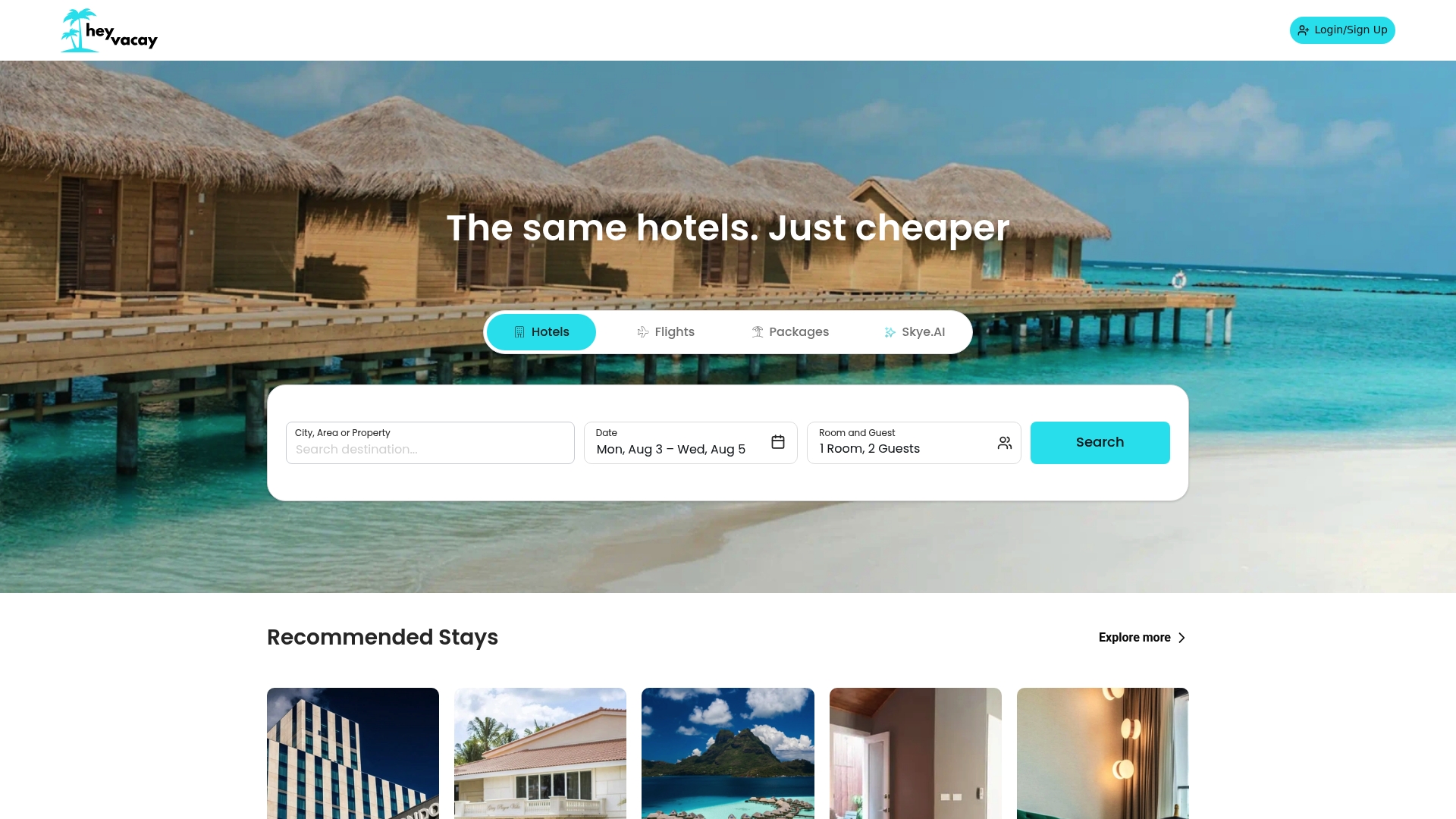
Search your dates, compare the totals and book when the price works for you. If you need help, our team offers human support.
FAQ
Does deleting cookies make hotel bookings cheaper?
Not reliably. Tests across hotel searches show prices are usually identical with or without cookies, and when they differ, they move both up and down. If you want to lower your bill, comparing dates, sources and member rates works better.
Is incognito mode better than clearing cookies?
They do similar jobs for this purpose. A private window starts without your stored cookies, while clearing deletes them from your regular browser. Neither is shown to lower hotel prices consistently, so pick whichever is more convenient.
Can hotel sites raise prices because I searched several times?
The evidence does not show that. Research found sites sometimes test different hotel lists on different users, but the same room carried the same price for everyone. Prices that change between visits usually reflect shifting supply and demand.
Will clearing cookies log me out of my accounts?
Yes, in most cases. You will need to sign in again, and saved carts may be lost. Sign in before you book so you do not miss a member rate or app-only discount.
What should I clear: cookies, cache or both?
If you want a fresh start, clear both, using the "All time" range. Then close and reopen your browser. Cookies hold site data and identifiers, and cached files are stored pages and images.
Sources
- Measuring Price Discrimination and Steering on E-commerce Web Sites (Northeastern University)
- Do Booking Sites Raise Prices Based on Your Search Habits? (SmarterTravel)
- How companies use personal data to charge different people (CBC News)
- Travel website cookies milk you for dough (The Times)
- The Incognito Mode Hotel-Price Myth: We Tested It On 20 Real Bookings
- The secret ways travel companies get you to pay more (Elliott Report)
- How to clear the cache and cookies in your web browser (Australian Taxation Office)
- Use this trick to beat shady dynamic pricing (PCWorld)
- How to Clear Cache and Cookies in Chrome, Safari, Firefox
- How to Protect Your Computer from Airlines and Hotels That Keep Changing Their Prices (Frommer's)